
NDI Treatment Wallet
A digital card that lives in your phone wallet, loaded automatically on a schedule you choose, ready to tap in clinic or put toward a deposit. Your balance is exactly what you've paid in - ready whenever you need it.
In-app trackingTap to paySet your schedule
Cardholder perks
Priority booking
First access to the times you actually want.
A birthday treatment upgrade
A free upgrade on me, once a year.
Quarterly product samples
A chance to try things before you commit to full size.
A free LED mask add-on
On treatment day, every time.
10% off retail
A flat discount, on every product you buy.
Where it goes
What your balance goes toward
Your balance isn't locked to one treatment or one visit type - it works the same way cash would, across everything I offer:
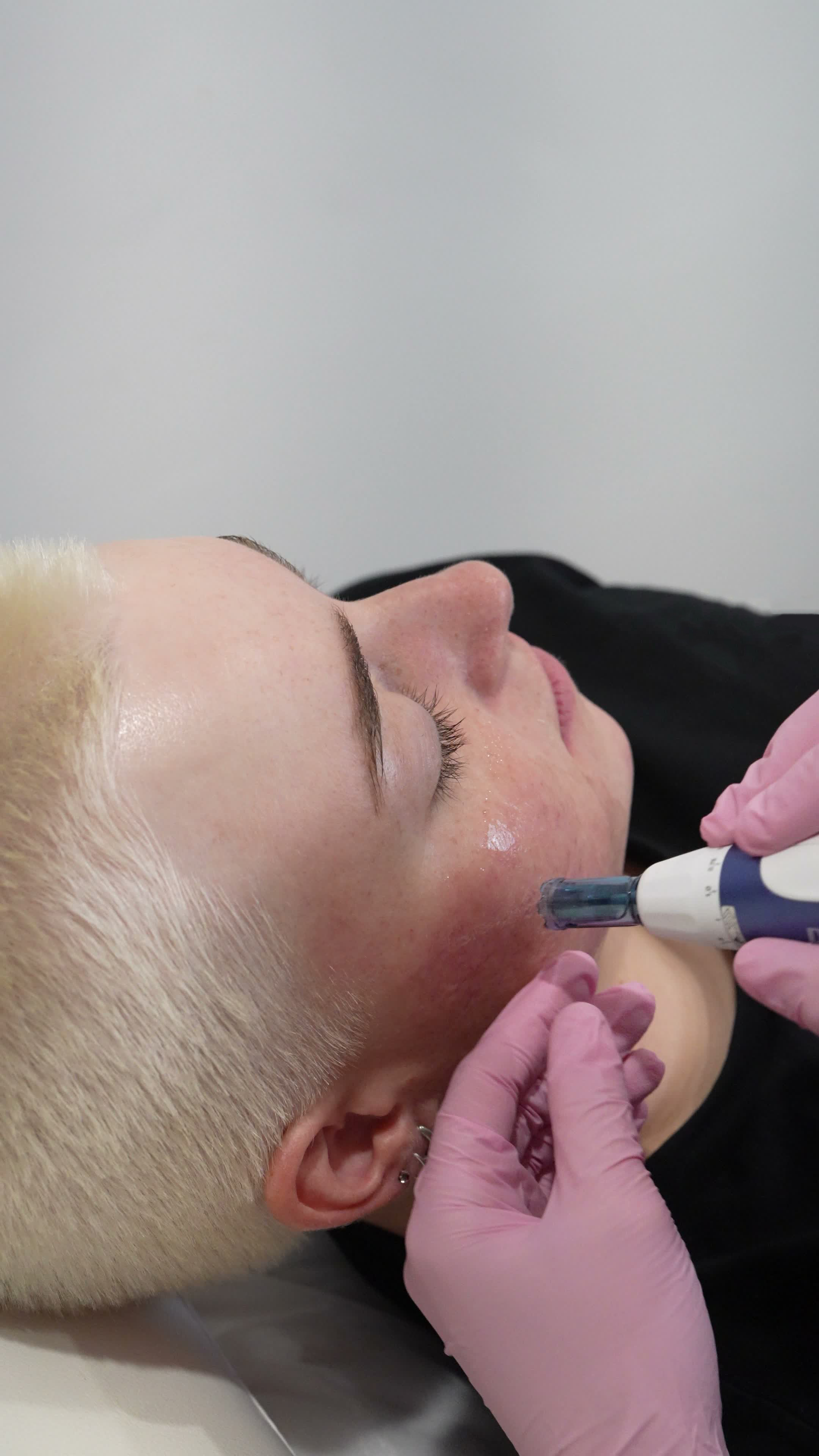
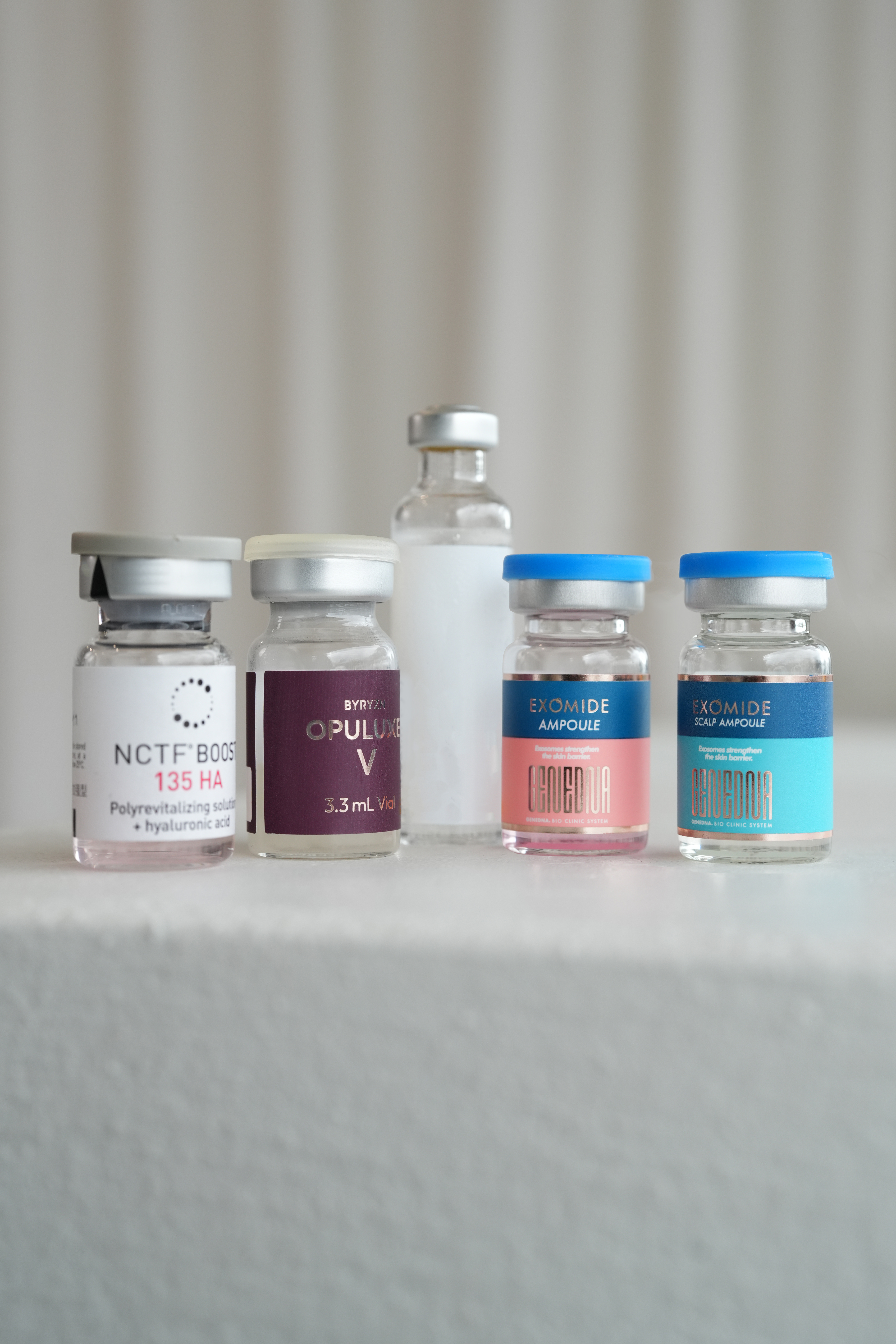
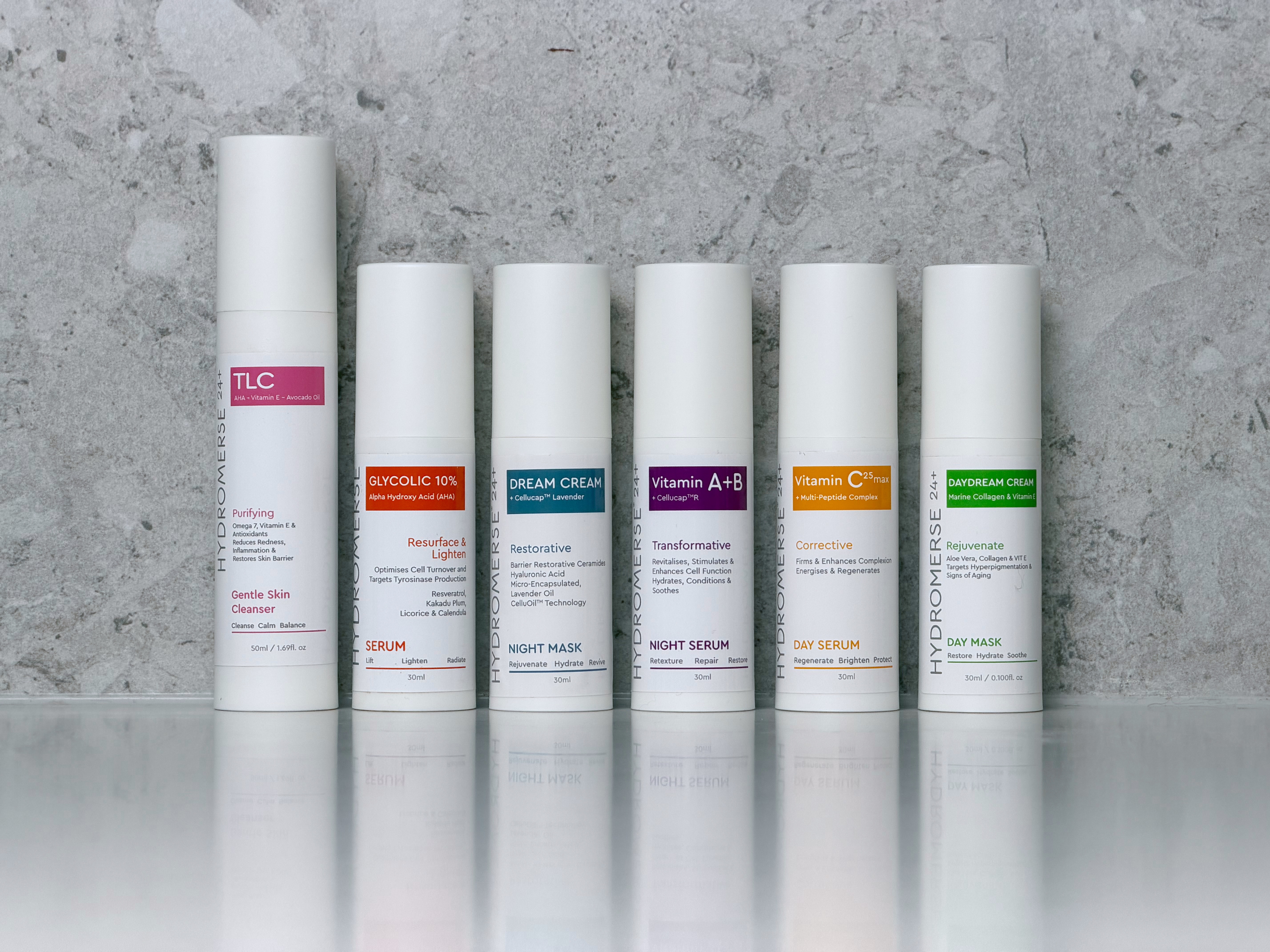


Browse the full range of services to see what's possible.
Why the Treatment Wallet
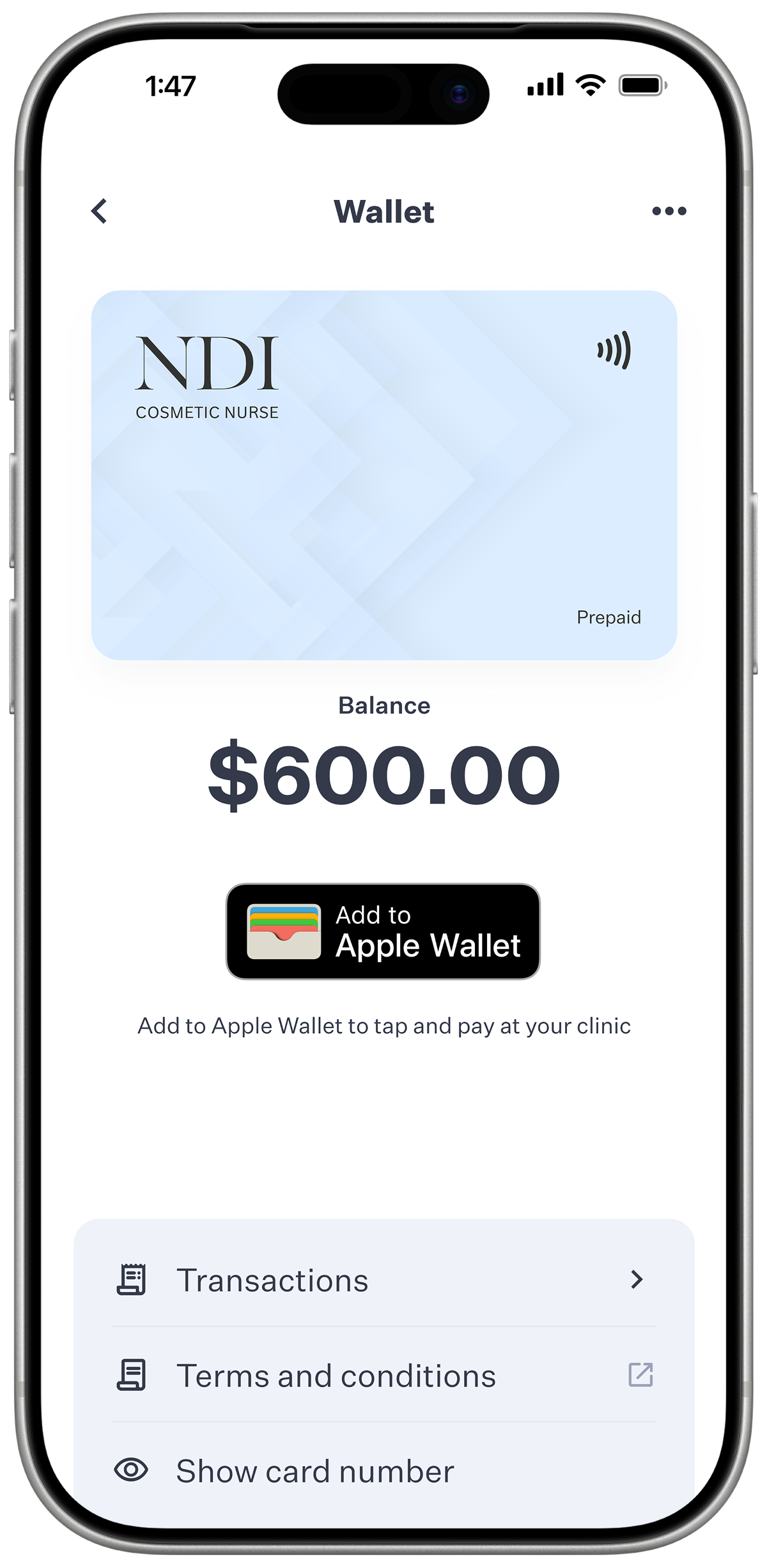
A balance you can check in-app
Your Wallet loads automatically on a schedule you choose - weekly, fortnightly or monthly, not a whenever-you-like top-up.
Money comes off the card when you tap it in clinic or put it toward a deposit, and a companion app lets you check your balance and activity any time.
Need a one-off top-up outside your set schedule? A quick email to Aglow and they'll sort it for you.
No more asking what's left
Your balance sits in the Aglow app whenever you want to look, and your card is right there in Apple or Google Wallet - nothing to remember, nothing to chase down.
Your own amount, your own pace
You decide exactly what loads each time you're paid, on whichever schedule suits you - no set figure to fit yourself around.
How it works
What happens once you sign up?
Aglow is the platform behind the scenes, handling the scheduling and the tracking. Here's what that looks like from your side.
Set your amount and schedule
Weekly, fortnightly or monthly, at whatever figure suits you.
Add it to your phone
Your digital card goes straight into Apple or Google Wallet once you're set up.
Check it whenever
Balance and activity, any time, straight from the app.
Tap to pay
In clinic on treatment day, or toward a deposit when you book.
Which one fits
Compare it with NDI Membership
Same clinic, two different ways to pay - here's how they actually differ.
| Treatment Wallet | Membership | |
|---|---|---|
| Structure | No tier, no lock-in | Four tiers, 3-month minimum term |
| Your payment becomes | A balance you spend like cash | Fixed in-clinic credit |
| Deposits & late-cancellation fees | Still apply as normal | Exempt once you're on a tier |
| Retail discount | 10% flat | 0-15%, by tier |
| LED mask access | One free add-on per treatment day | None on Bronze or Silver, a free add-on on Gold, up to 5 sessions a month on Platinum |
| Best for | Seeing your balance in the app and setting your own top-up amount | A schedule that changes at short notice |
Common Questions
A quick note before the detail: the Wallet doesn't guarantee any particular treatment - every service is still assessed for clinical suitability at the time, the same as any other visit.
How do I get the Wallet onto my phone?
Once you sign up, a digital card is added to Apple or Google Wallet. It's loaded through automatic payments on a schedule you choose - weekly, fortnightly or monthly.
Can I choose exactly how much goes on each payment?
Yes - you set your own amount when you sign up, on whichever schedule suits you, and that's what loads each time.
How do I check my balance?
The companion Aglow app shows your balance and activity any time you want to look - no need to ask.
Can I top up outside my set schedule?
Yes - a quick email to Aglow and they'll sort a one-off top-up for you.
Do the usual deposit and cancellation policies still apply to me?
Yes - standard deposit, late-cancellation and no-show policies apply the same as any other booking. Your balance simply covers those the same way cash would.
What are the fees?
The Wallet runs through Aglow, the platform I use for billing and balance tracking. There's no setup fee and no fee on your payments. A few fees can apply in specific situations, such as an admin fee on a refund or balance transfer, or a balance management fee if a wallet sits dormant for 12 months. They're all set out in the Aglow wallet terms.
What's the difference between the Treatment Wallet and Membership?
They suit different people, not just different mechanics. The Wallet suits you if you like being able to see your balance in the app and tap your own digital card at checkout, and if you'd rather set your own top-up amount than choose from four tiers - handy if you don't want to have to ask what's left.
Membership suits you if last-minute changes are part of life - a shift worker, a mum working around a family's schedule, or anyone who gets sick or has to reschedule more often than they'd like. Once you're on a tier, you're exempt from deposits, late-cancellation fees and no-show fees altogether, alongside retail and LED mask perks that scale with the tier.
See the full Membership breakdown, or ask me at your next visit if you're still weighing it up.
Fees & Terms
The Treatment Wallet is processed via Aglow, a third-party provider. Balance, spend and activity are trackable via the Aglow app.
No account setup fee or per-payment fee applies to the cardholder. Aglow may charge a reasonable, pre-disclosed fee to administer a refund, balance transfer or cancellation, and a balance management fee applies if a wallet is dormant for 12 months. See the Aglow wallet terms for detail.
Top-ups outside your set payment schedule are arranged directly with the Aglow team by email.
Deposits, late-cancellation fees and no-show fees apply as normal. All services remain subject to practitioner assessment and suitability.
Explore more
Treatment Wallet runs through Aglow, the platform I use for billing and balance tracking. No setup fee or per-payment fee applies to you. A few fees can apply in specific situations, set out in the Aglow wallet terms.